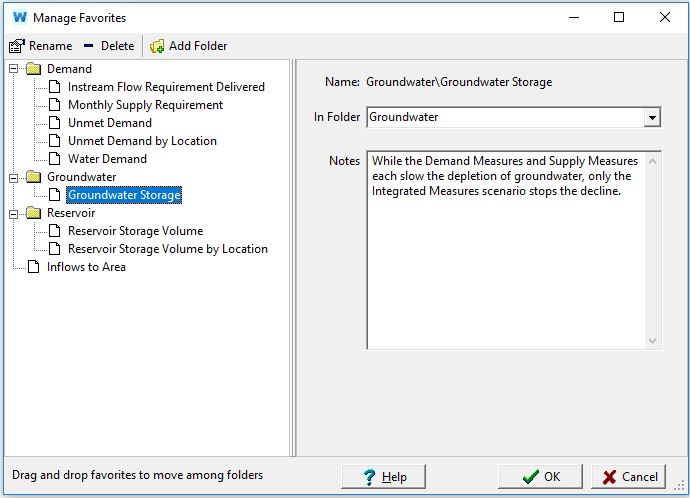
You can save your favorite charts including all settings for the axes, type of chart, and formatting, using the Favorites menu. This feature is similar to the bookmark/favorites features found on popular Internet browsing software. Later, in the Scenario Explorer View, you can group together favorite charts to create "overviews" of different results. Use the Save Chart as Favorite... menu option to bookmark the current highlighted chart. You will be asked to give the favorite a name, and optionally a descriptive note and a folder for grouping. Use the Manage Favorites menu option to rename, delete or group saved favorites. To switch to a previously saved favorite chart, select its name from the Favorites menu. Note: This screen (and the Favorites menu) are only available in the Results View.